Cool Discord Role Name Ideas
Published June 14, 20263 min read
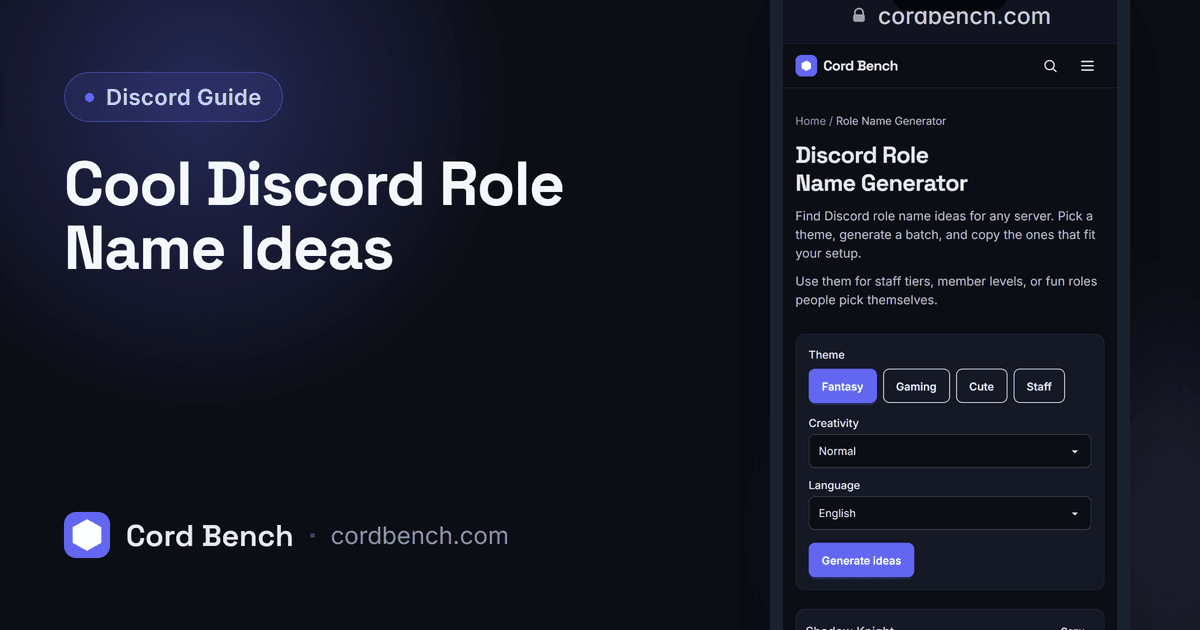
Role names label your members and color the member list, so good ones make a server easier to read at a glance. We run the role name generator, so here are ideas for aesthetic, gaming, and tiered roles, plus how color and order tie them together.
Why Role Names Shape Your Server
Roles do two visible jobs: they show next to a member's name in the list and they set that name's color. Clear role names tell everyone who is staff, who is a regular, and who just arrived, without anyone asking.
They also carry the server's personality. A tiered set of fun role names gives members something to climb toward, while plain Staff and Member roles keep a professional server readable.
What Makes a Good Role Name
Keep it short, since long names crowd the member list. Make the job or tier obvious at a glance, especially for staff roles people need to find fast. A little theme is good, as long as it does not hide what the role actually is.
Be consistent across a set. If your member tiers are themed, theme all of them, rather than mixing one playful name with a row of plain ones.
Aesthetic, Gaming, and Tiered Role Ideas
Aesthetic roles lean soft and themed: Stardust, Moonchild, Daydreamer, Velvet, Ember. Gaming roles lean sharp: Legend, Apex, Sniper, Veteran, Rookie. Both read well when the colors match the mood.
For tiers tied to activity, a climb works: Newcomer, Regular, Trusted, Veteran, Legend. Boost or supporter roles can get their own flair, like Server Star or Patron, so the perk feels special.
Role Color and Hierarchy Tips
A member's name takes the color of their highest role that has a color set. So order matters: put the role whose color you want on top higher in the list. Leave a role's color on default if you want a lower role's color to show through.
Pick colors that stay readable on Discord's dark and light themes. Very dark blues and grays can vanish against the background, so test a color before you roll it out to the whole server.
Generate Role Names Instantly
Our role name generator gives ideas by theme, so you can fill a whole tier ladder or a staff set in one sitting. Browse, copy the ones that fit, and adjust the wording to your server.
It is a quick way to keep a set consistent instead of inventing each name on the spot and ending up with a mismatched list.
Organizing Roles for Large Servers
On a big server, group roles by purpose: staff at the top, then special or boost roles, then member tiers, then cosmetic color roles. Keep the list short enough to scan, and fold rarely used roles into broader ones rather than adding a role for every tiny case.
Remember a role can only manage roles below it, so place your staff roles above the roles they need to assign. Getting that order right prevents the common "I cannot give this role" problem.
Avoiding Common Role Setup Mistakes
Do not create so many roles that the member list turns into a rainbow nobody can read, and do not bury an important staff role below cosmetic ones where its color never shows. Keep names short, colors readable, and order deliberate.
A clean role list is one a new member understands in seconds. When in doubt, fewer roles with clear names beats a long list of overlapping ones.
Discord Role Name Generator
Find Discord role name ideas for any server. Browse themes and copy names your members will like.
Open the role name generator