Discord Welcome Message Ideas and Templates
Published June 14, 20262 min read
A welcome message is the first thing a new member reads, and a good one points them to the rules and the best channels in a sentence or two. We build the welcome message template, so here are ideas and ready templates for friendly, funny, and professional servers.
Why a Welcome Message Matters
New members often join, glance around, and leave within a minute. A clear welcome catches them in that window. It says where they landed, what to do first, and where to say hello. That small nudge turns a lurker into a participant.
It also sets the tone. The warmth or humor of the welcome tells people how the server talks before they read a single conversation.
What a Great Welcome Message Includes
Three things cover it: a quick greeting, a pointer to the rules, and one action to take, like introducing themselves or picking roles. Keep it short. A new person will not read a paragraph, but they will read two friendly lines.
A mention of the member with a {user} style placeholder, if your bot supports them, makes the welcome feel personal. Link the rules channel directly so there is no hunting.
Welcome Message Templates
A clean default: "Welcome to the server, {user}. Check out the rules in #rules, then say hi in #introductions. Glad you are here." Swap the channel names for yours and it is ready.
A shorter version for a busy server: "Hey {user}, welcome. Read #rules, grab your roles in #roles, and jump into #general."
Funny, Aesthetic, and Professional Examples
Funny: "A wild {user} appeared. Quick, read #rules before the mods notice, then get comfortable in #general." It works if your server actually jokes around.
Aesthetic: "welcome {user}, we are glad you found us. settle in, read #rules, and introduce yourself whenever you are ready." Professional: "Welcome, {user}. Please review #rules and #announcements to get started, and reach out to a moderator with any questions."
How to Auto-Send Welcome Messages
To post a welcome automatically, use a bot like MEE6, Carl-bot, or your own, set to fire on member join. You write the template once, including any placeholder for the member's name, and the bot sends it in the channel you choose.
A webhook can also post a welcome if another service triggers it, though for join events a bot is the simpler route since it already knows when someone arrives.
Build Your Own With the Welcome Message Tool
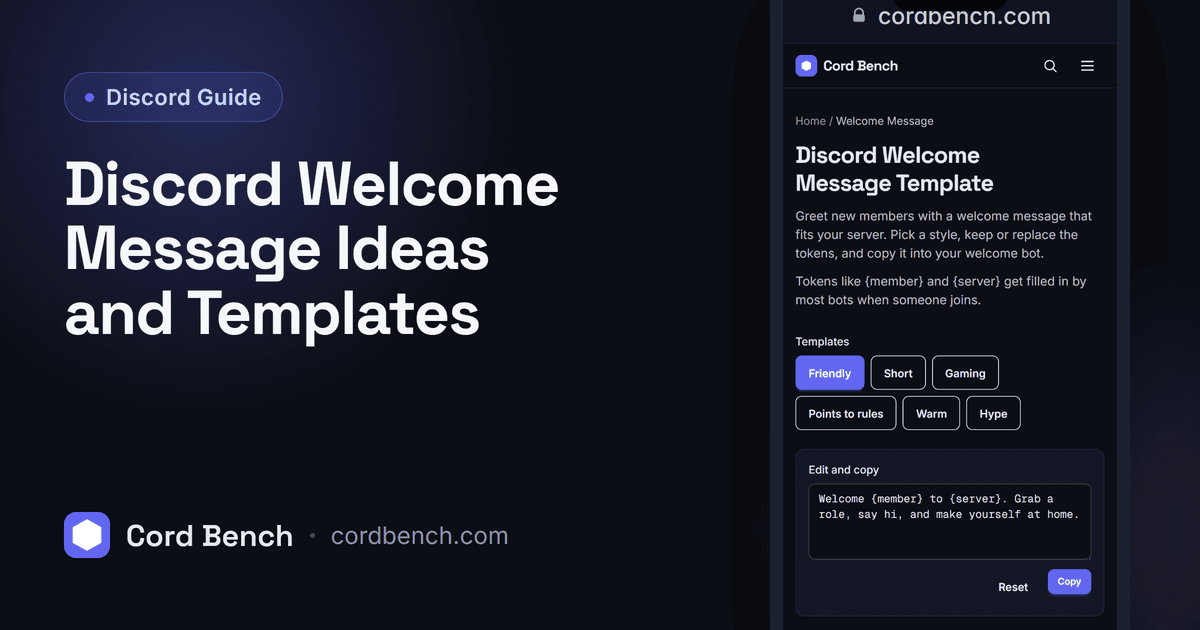
Our welcome message template lets you start from an example, edit the tone, and copy a version ready to paste into your bot's welcome setting. It saves staring at a blank box trying to sound friendly on command.
Pick the style that matches your server and adjust the channel names to yours.
Welcome Message Mistakes to Avoid
Do not write a long welcome that buries the one action you want, and do not forget to update the channel names when you reorganize, or the welcome will point new members at channels that no longer exist.
Keep it short, keep the rules link working, and read it as if you just joined. If it tells you what to do next in a glance, it is doing its job.
Discord Welcome Message Template
Write a Discord welcome message that fits your server. Pick a template, tweak it, and copy.
Open the welcome message tool