Discord Server Rules Template and Examples
Published June 14, 20263 min read
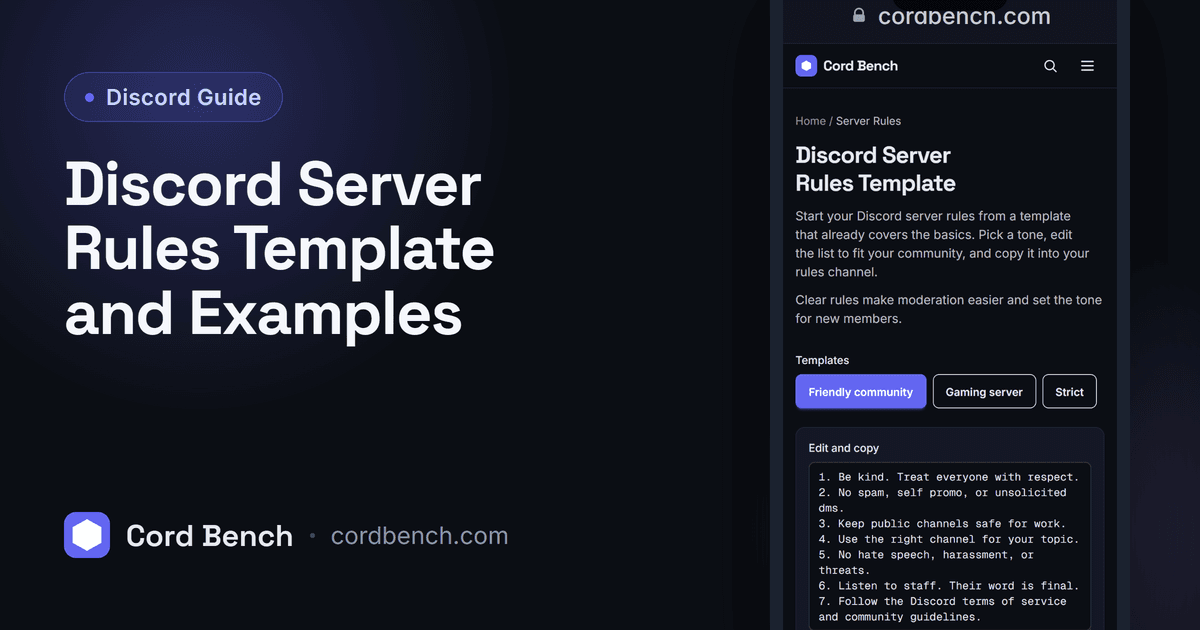
Clear rules keep a Discord server friendly and give moderators something to point to. We maintain the server rules template, so this gives you copy and paste rules, versions for different server types, and a clean way to lay out the channel.
Why Every Server Needs Clear Rules
Rules set expectations before a problem starts. When everyone can see the line, moderators enforce it calmly and members know what to expect. Without written rules, every removal looks personal and arguments drag on.
They also protect the server. Discord's own Community Guidelines still apply, and a short rules list that points to them makes it easy to act on spam, harassment, or worse without debate.
Essential Rules Every Server Should Have
A few cover most situations: be respectful to other members, no spam or self promotion without permission, keep content safe for the server's age range, no harassment or hate speech, use channels for their topic, and listen to staff. Add follow Discord's Terms of Service and Community Guidelines as a catch all.
Keep each rule to one line in plain language. People skim rules, so a short, readable list gets followed more than a long legal block.
Copy and Paste Rules Template
Here is a base you can drop in and edit. Rule 1: Treat everyone with respect. No harassment, hate speech, or personal attacks. Rule 2: No spam, advertising, or DM promotion without staff approval. Rule 3: Keep posts in the right channels. Rule 4: No NSFW or illegal content. Rule 5: Follow staff directions and use the report channel for issues. Rule 6: Follow Discord's Terms of Service and Community Guidelines.
Swap in your server's specifics, like a language rule or a spoiler policy, and you have a working list in a minute.
Rules for Gaming, Community, and Creator Servers
A gaming server often adds rules about smurfing, match fixing, and voice chat etiquette, plus where to post looking for group messages. A study or community server leans on staying on topic and keeping debate civil.
A creator server usually adds rules about self promotion limits, link drops, and respecting the creator's content. Pick the extras that fit your space rather than copying every possible rule.
How to Format a Rules Channel
Put rules in a locked channel only staff can post in. Number them so people can reference "rule 3" in a report. Use bold for the rule itself and a short line under it for detail, and add a divider between sections if the list is long.
Many servers gate access behind a rules agreement, where a reaction or a button grants the member role. That makes joining an active step and gives you a clear record that people saw the rules.
Build Yours With the Rules Template Tool
Our server rules template lets you start from a ready list, edit the wording to match your tone, and copy the result straight into your channel. It saves writing the boilerplate from scratch and keeps the formatting clean.
You can trim it down for a small friends server or expand it for a large public one.
Mistakes to Avoid When Writing Rules
Do not write so many rules that nobody reads them, and do not write them so vaguely that staff cannot act on them. Keep the list short, specific, and current, and revisit it after any incident the rules did not cover.
Rules you actually enforce are worth more than a long list you ignore. If a rule never comes up, it is fine to cut it.
Discord Server Rules Template
Copy a Discord server rules template that works. Edit the list, match your tone, and paste it into your rules channel.
Open the rules template