How to Schedule a Discord Message
Published June 14, 20263 min read
Discord has no built in way to write a message now and send it later, but a webhook plus a scheduler does the job, even with your app closed. We build the scheduled message tool, so this covers the methods that work, how to set the time, and what to watch for.
Can You Schedule Messages in Discord?
Not directly. The Discord app has no send later button for a normal message. To schedule one, you hand the message to something that stays running and posts it for you at the set time, usually a bot or a webhook with a scheduler behind it.
Discord does have Events for voice and stage gatherings, but that is a calendar entry, not a scheduled text post. For an announcement at a set time, you need one of the methods below.
Why Schedule Discord Messages
Timing matters for reach. An announcement posted when your members are awake gets seen, while one posted at 4am scrolls past. Scheduling lets you write it when you have time and deliver it when people are around.
It also covers you when you are away. A launch post, an event reminder, or a weekly prompt can go out on schedule whether or not you are at your computer.
Methods to Send a Message Later
A bot can schedule messages if it has a command or a dashboard for it, like several moderation bots do. You set the channel, the text, and the time, and the bot's server handles the send.
A webhook plus a scheduler is the lighter option. The message and time sit on a server that fires the webhook at the right moment. There is no bot to host, just the webhook URL and the schedule.
The Easy Way: The Scheduled Message Tool
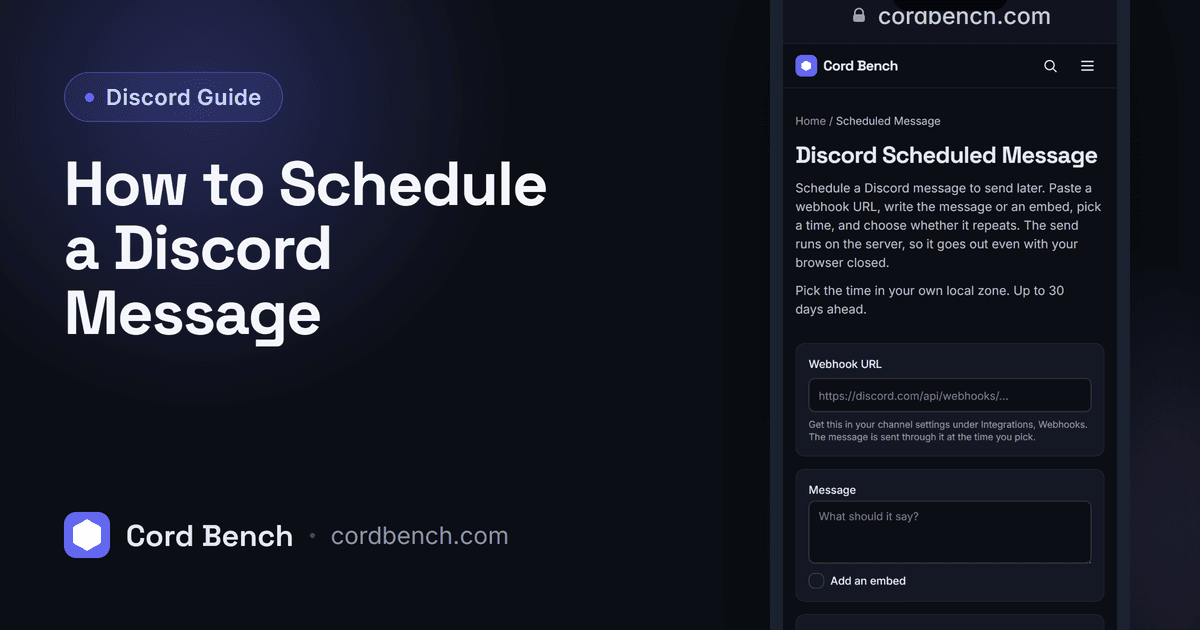
Our scheduled message tool takes a webhook URL, your message or embed, and a time, then sends it for you. You can set it once or have it repeat daily or weekly. The send runs on the server, so your browser does not need to be open.
You build the message the same way you would a webhook post, pick when it goes out, and the tool handles the rest up to a set window ahead.
Setting the Right Time and Time Zone
Pick the time in your own local zone, which is how you naturally think about it. Behind the scenes that becomes a fixed moment, so the message lands at the right second no matter where the server sits.
For a recurring post, choose daily or weekly and it sends on that cycle until you stop it. For a one off, leave it on a single send and it clears after it goes out.
Use Cases: Events, Reminders, Announcements
Communities schedule event reminders so nobody misses a raid or a movie night. Teams post a daily stand up prompt at the same time each morning. Creators line up a drop announcement for the minute something goes live.
Pair a scheduled message with a Discord timestamp and the post shows a countdown in each member's own local time, which reads correctly for a server spread across countries.
Common Scheduling Mistakes
Double check the date and zone before you confirm, since a wrong zone sends the post hours off. Keep the webhook URL private and valid, because a deleted webhook means the scheduled send quietly fails.
Do not schedule further ahead than the tool allows. For a long range announcement, set it closer to the date or use a repeating send so it does not fall outside the window.
Discord Scheduled Message
Schedule a Discord message to send later. Set a webhook, write the message, pick a time, and we send it for you.
Open the scheduled message tool