Discord Text Formatting Guide
Updated June 14, 20263 min read
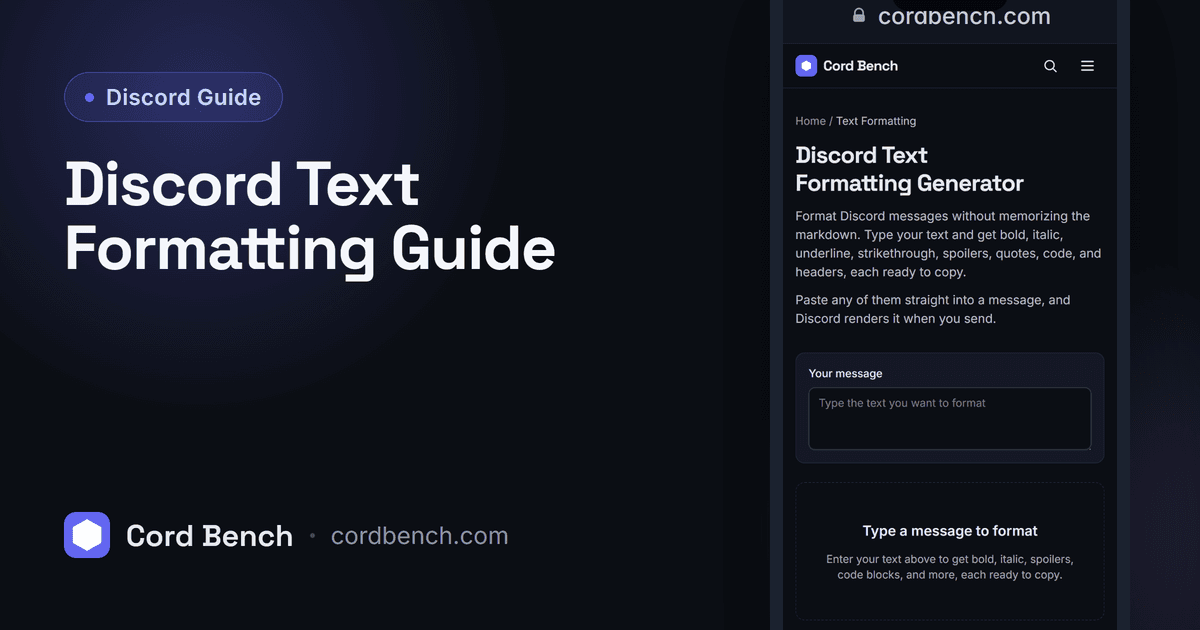
Discord formatting runs on Markdown: small symbols around your words turn them bold, italic, struck through, or into a code block. We maintain the text formatting generator, so this guide reflects what actually renders in Discord today, including the spots where the markup quietly does nothing.
How Discord Formatting Works
Discord reads a light version of Markdown in messages. You wrap text in a symbol and Discord swaps it for the styled version when you send. The symbols never show in the final message. This works the same on desktop, the web app, and mobile, with no setting to turn on.
Formatting applies in messages, embeds, and your About Me. It does not apply in your unique username, which is lowercase letters, numbers, periods, and underscores only.
Bold, Italic, and Both
Two asterisks make bold: **like this**. One asterisk or one underscore makes italic: *like this* or _like this_. Three asterisks give you both at once: ***like this***.
Keep the symbols tight against the text. ** spaced ** with gaps will not format. That spacing slip is the most common reason a message sends as plain asterisks.
Underline and Strikethrough
Two underscores underline: __like this__. Note that one underscore is italic and two is underline, which trips people up. Two tildes strike text out: ~~like this~~, useful for a correction you want people to still see.
You can stack these. __*underlined italic*__ and **~~bold strikethrough~~** both work, as long as each pair of symbols is closed.
Code, Quotes, Spoilers, and Lists
One backtick makes inline code: code . Three backticks on their own lines make a block, and adding a language name after the opening backticks turns on syntax colors. Code blocks ignore all other formatting, so they are the way to show literal asterisks.
Start a line with > for a quote, or >>> to quote everything that follows. Wrap text in ||two bars|| for a spoiler that stays blurred until clicked. Begin lines with - or 1. for bullet and numbered lists.
Combining Styles Without Breaking Them
Order does not matter as long as every symbol is paired. The usual failure is an unclosed pair. **bold with no closing asterisks renders as plain text with the asterisks visible. If a message looks wrong, count your symbols.
To show a symbol literally outside a code block, put a backslash in front of it. Typing \* shows a real asterisk. The backslash works for asterisks, underscores, tildes, and backticks.
The Faster Way: The Formatting Generator
If you would rather not memorize the symbols, our text formatting generator gives you buttons for each style, builds the markup, and lets you copy the finished message. It is quicker for a long announcement that mixes bold headers, quotes, and a code block.
You build the message visually, then paste the result into Discord exactly as it will appear.
Where Formatting Pays Off
Use bold sparingly for the one line that matters in an announcement, since a wall of bold reads as no emphasis at all. Reach for code blocks when you paste commands or IDs so Discord does not mangle them.
For colored text, which plain Markdown cannot do, you need ANSI code blocks. Our guide on making colored text in Discord covers that, and it pairs naturally with the formatting here.
Discord Text Formatting Generator
Format Discord messages the easy way. Build bold, italic, code blocks, quotes, and spoilers, then copy.
Open the formatting tool