How to Make Custom Discord Emojis
Published June 14, 20263 min read
A custom emoji is any image you upload to a server for members to use in chat and reactions. The catch is the size and format Discord accepts. We build the emoji maker, so this covers the limits, how to add one, and how to turn any picture into a clean emoji.
Discord Emoji Basics and Limits
Custom emoji are server specific. You upload an image, give it a name, and members of that server can use it by typing its name in colons or picking it from the emoji menu. Reactions work the same way.
Every server starts with 50 custom emoji slots, split across static and animated, and Nitro boosts raise that cap. You need the Manage Expressions permission to add or remove them.
Image Requirements
Discord resizes emoji down to 128 by 128 pixels and recommends uploading at or near that size. The file must be under 256 KB, in PNG, JPG, or GIF. Square images work best, since a wide or tall picture gets squished into the slot.
Transparency helps a lot. A PNG with a clear background sits cleanly on both dark and light themes, while a solid background shows as a visible box around the emoji. Animated emoji use GIFs and need a boosted server or Nitro to use across servers.
How to Add Custom Emojis
Open Server Settings, go to Emoji, and click Upload Emoji. Pick your image, then give it a short name with letters, numbers, and underscores only. Save, and it appears in the picker for everyone in the server.
To use it, type its name between colons or click it in the emoji menu. For a reaction, open the reaction picker on a message and choose it from the server's set.
How to Make an Emoji From Any Image
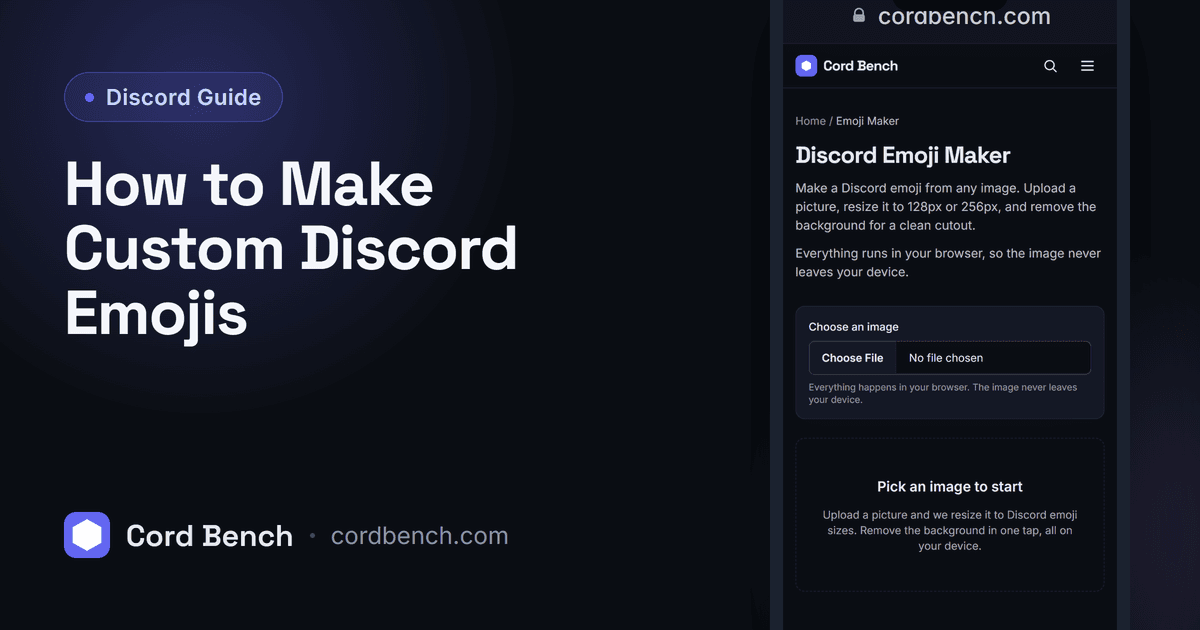
Most pictures are too big or the wrong shape to use straight away. Our emoji maker resizes any image to 128 or 256 pixels and removes the background in your browser, so you get a clean, square, transparent emoji without a separate photo editor. Nothing is uploaded to us, since the work happens on your device.
Crop to the part you want first, since an emoji is tiny and detail at the edges disappears. A tight crop on the main subject reads far better than the whole photo shrunk down.
Animated Emojis and Nitro Rules
Animated emoji are GIFs and show motion in chat and reactions. A server needs boosts to unlock animated slots, and a member needs Nitro to use animated or cross server emoji freely. Static custom emoji from a server are free to use for anyone in that server.
Keep animations short and simple, since a busy GIF at emoji size turns into noise. A small, clear loop reads better than a detailed one.
Best Practices for Emoji Sets
Aim for a consistent look across a set: similar outlines, similar sizing, similar style. A matched set looks intentional in the picker, while a mix of resolutions looks messy. Name them clearly so people can type them without hunting.
Leave some slots free for seasonal or event emoji rather than filling every slot at once. It is easier to add than to decide what to delete later.
Fixing Common Emoji Upload Errors
If an upload fails, the file is usually over 256 KB or the wrong format, so resize or convert it first. If the emoji looks boxed, the background is not transparent, and a PNG with a clear background fixes it.
If you are out of slots, you either need to remove one or boost the server for more. Sorting the image out before you upload saves the back and forth.
Discord Emoji Maker
Turn any image into a Discord emoji. Resize to 128px or 256px and remove the background in your browser. Nothing is uploaded.
Open the emoji maker