How to Make Colored Text in Discord
Published June 14, 20263 min read
Discord can show colored text, but only inside a special ANSI code block, and mainly on desktop and the web app. The trick is a short escape code before your words. We built the color text generator after testing every ANSI color Discord accepts, so this walks through both the manual codes and the faster copy and paste route.
What Colored Text in Discord Is
Discord has no color button. The one supported way to color message text is an ansi code block, a normal triple backtick block with the word ansi on the first line. Inside it, escape codes set the color of the text that follows.
It renders on Discord desktop and the web app. The mobile apps currently show the text without the colors, so treat color as a nice extra rather than something every member will see.
How Discord Colored Text Works
Each color starts with an escape character followed by a code like [31m for red. The escape character is the tricky part, since you cannot type it on a normal keyboard. Tools insert it for you, and inside Discord the block and the codes wrap your text.
The shape is an ansi block, then an escape code before your text and a reset after it. Discord reads the codes and paints the text. Anything outside the block stays the default gray.
How to Color Text Manually
Open a code block with three backticks and type ansi on the first line. On the next line, place the escape code, then your text. Foreground colors run from 30 to 37: red is 31, green is 32, yellow is 33, blue is 34, magenta is 35, cyan is 36, and white is 37.
Add a style with a number before the color, like 1 for bold or 4 for underline, separated by a semicolon. Close the block with three backticks. The hard part is still the invisible escape character, which is why most people reach for a generator.
The Easy Way: The Color Text Generator
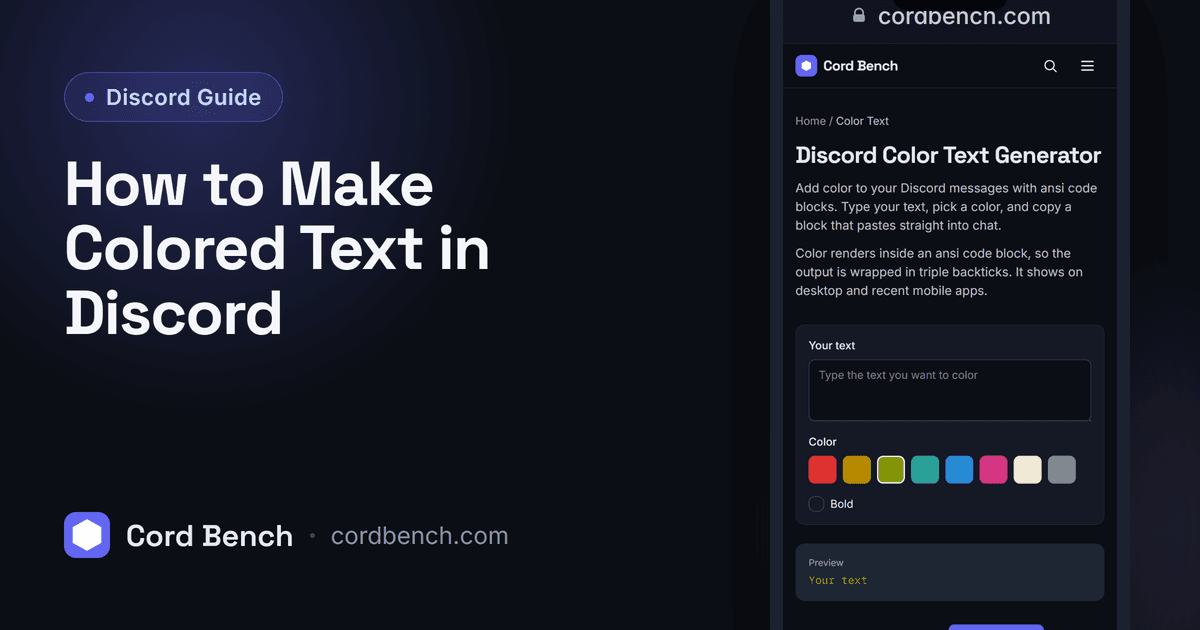
Our color text generator skips the escape character problem. You type your text, pick a color and an optional background, and it builds the full ansi block with the right codes. You copy the block and paste it straight into Discord.
It previews the result as you go, so you can match a color to your server's theme before you post.
Available Text and Background Colors
Text colors cover red, green, yellow, blue, magenta, cyan, white, and a gray. Background colors use codes 40 to 47 and give you a colored highlight behind the text. You can combine a text color and a background, for example white text on a red background for a warning line.
Bold and underline stack on top of any color. There is no true custom hex color here. ANSI gives a fixed set, so pick the closest one rather than an exact brand color.
Why Your Colored Text Is Not Showing
The most common cause is a plain code block. Without ansi on the first line, Discord ignores the color codes and shows them as text. Check that first line.
The next cause is mobile. If a friend says the color is missing, they are likely on the phone app, which renders the block in gray. A broken escape character also drops the color, so copy the whole block from the generator rather than retyping it.
Making Messages Stand Out the Right Way
Color works best on one short line, like a rule header or a status tag, not a whole paragraph. Since mobile members see gray, keep the meaning readable without the color.
For bold and italics that do show up everywhere, plain Markdown is the better choice, and our Discord text formatting guide covers it.
Discord Color Text Generator
Generate color text for Discord with ansi code blocks. Pick a color, preview the result, and copy the block.
Open the color text generator