How to Make Bold Text on Discord
Published June 10, 20262 min read
To make bold text on Discord, simply wrap your message with two asterisks on each side. For example, type **this is bold** and it will appear as bold text. This works in any chat channel or direct message on both desktop and mobile.
The Basic Bold Format
Place two asterisks directly before and after the text you want to make bold. Do not put any spaces between the asterisks and the first and last letters of the text.
Example: type **hello** and you will see hello in bold. If you type ** hello ** with spaces, Discord will not apply the bold format.
Using Bold with Other Formatting
You can combine bold with italics by using three asterisks on each side. Type ***text*** to make it both bold and italic.
Bold also works inside code blocks if you use the correct syntax. For a single line code block, use backticks and the bold markup will not apply. For multi line code blocks with triple backticks, bold markup will also not apply. Discord treats code blocks as plain text.
Bold on Mobile Devices
On the Discord mobile app, the same two asterisks work in the text input field. You can type them manually from your keyboard.
If you want a shortcut, tap and hold on the text input area. A pop up menu may appear with a formatting option depending on your device. If not, just type the asterisks yourself.
Common Mistakes and How to Fix Them
A frequent error is typing only one asterisk on each side. One asterisk creates italic text, not bold. Always use two asterisks for bold.
Another mistake is using underscores instead of asterisks. Two underscores on each side (__text__) creates underlined text in Discord, not bold. Stick with two asterisks for bold.
If you copy paste text from a word processor, the asterisks may be curly or smart quotes. Discord only reads straight asterisks. Type them fresh in the chat box.
Bold in Server Names and Nicknames
You cannot use bold in your unique username. Discord usernames are all lowercase letters, numbers, underscores, and periods. No formatting is allowed.
Your display name in a server can include bold characters if you copy and paste Unicode bold letters from an external site. But this is not true Discord markup. It will appear bold to others only if their device supports that Unicode font. It may look broken on some systems.
Testing Your Bold Text Before Sending
Discord shows a preview of your formatted text as you type. Look at the message box above your keyboard input. If the text appears bold there, it will send correctly.
You can also send a test message in a private channel or direct message to a friend or yourself. If it does not look right, edit the message and fix the asterisks.
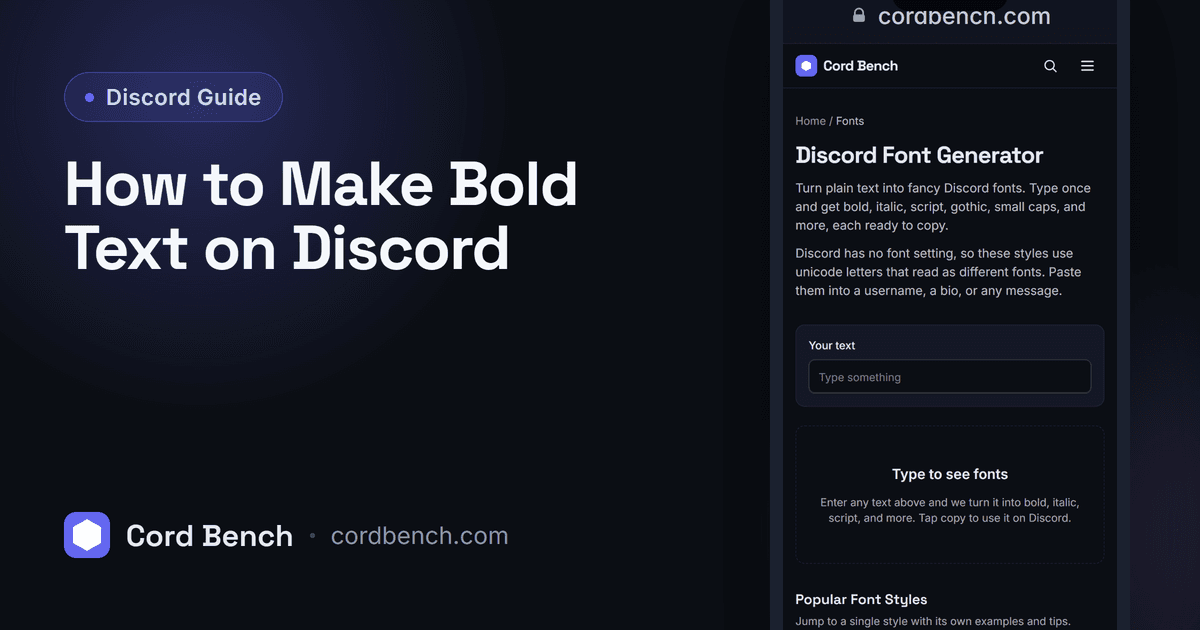
Discord Font Generator
Make fancy Discord text with unicode fonts. Type once, then copy bold, italic, cursive, and more.
Try the font generator